USB to RS422/RS485 Conversion
Connect a USB host to compatible RS422 or RS485 serial equipment through the same converter-cable family.
DT-5019 Series
Connect a USB host to RS422 or RS485 equipment with one verified cable family and three selectable cable lengths.
The DTECH DT-5019 Series converts USB to RS422 or RS485 and groups DT-5119, DT-5019 and DT-5219 as 0.5 m, 1.2 m and 2 m cable options on one product page.
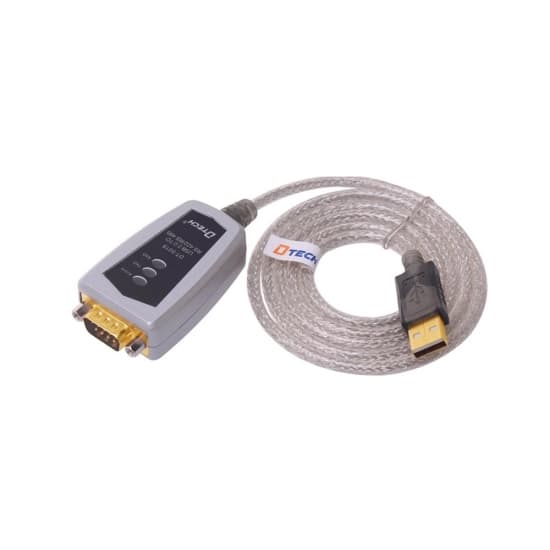 Hover to zoom
DTECH DT-5019 USB to RS422 and RS485 converter cable with DB9 connector on a white background
A practical path for bringing installed serial equipment into modern industrial data networks.
The DT-5019 Series provides a USB connection for compatible RS422 or RS485 equipment. The verified legacy product page describes automatic send-data control, automatic direction sensing and operation without an external power supply.
DTECH's official USB converter cable catalog identifies the three requested variants as the same cable family differentiated by length: DT-5119 at 0.5 m, DT-5019 at 1.2 m and DT-5219 at 2 m. Keeping them on one page gives buyers one comparison point and avoids duplicate product pages.
Choose the model by required cable length.
Covers the three user-requested variants.
Designed for compatible RS422 and RS485 equipment.
One canonical page for the length variants.
Core capabilities selected for reliable integration, flexible deployment and efficient maintenance.
Connect a USB host to compatible RS422 or RS485 serial equipment through the same converter-cable family.
Select DT-5119 for 0.5 m, DT-5019 for 1.2 m or DT-5219 for 2 m, as listed in the official DTECH catalog.
The legacy source lists automatic send-data control, direction recognition and serial-signal-rate sensing.
The source describes plug-and-play operation without a separate external power supply.
Explore practical deployment scenarios for this DTECH industrial connectivity product.

Connect a USB commissioning or control host to compatible RS422 or RS485 industrial equipment.
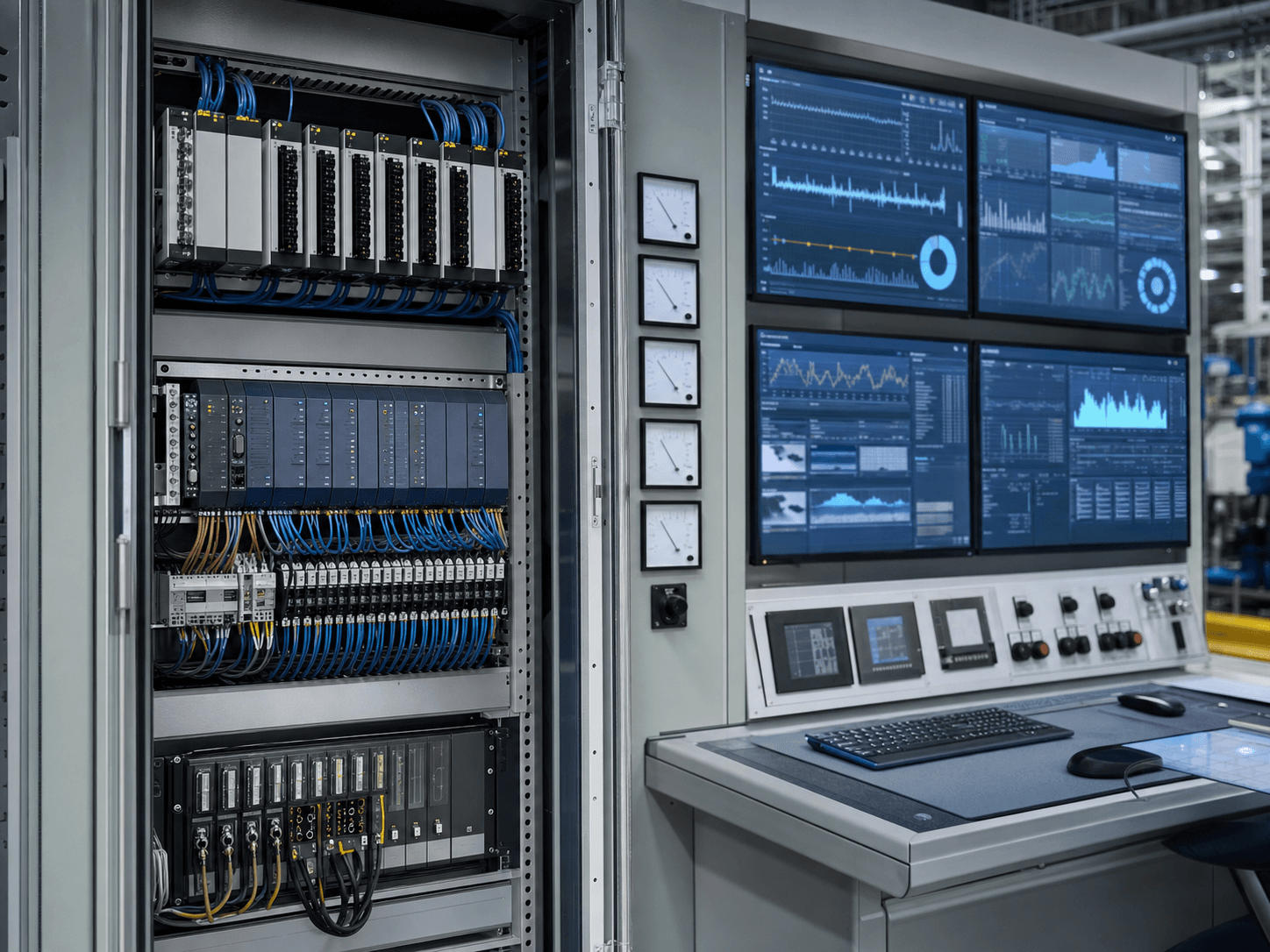
Provide a local USB connection for compatible meters, instruments and data-collection equipment.

Link a USB service computer to compatible RS422 or RS485 controllers during integration and maintenance.
See how this product fits into an industrial serial communication network.
Verified configuration details for engineering review and product selection.
Compare verified model differences before selecting a configuration.
| Specification | DT-5119 | DT-5019 | DT-5219 |
|---|---|---|---|
| Cable length | 0.5 m | 1.2 m | 2 m |
| Host interface | USB | USB | USB |
| Serial interfaces | RS422 / RS485 | RS422 / RS485 | RS422 / RS485 |
| Official driver group | Shared family driver | Shared family driver | Shared family driver |
Use the solution architecture and technical guide to confirm this product's role before final model selection.
Plan the USB host, RS422/RS485 field interface, wiring mode, cable route and commissioning checks as one documented connection.
View Resource Technical GuideConfirm the field device's electrical interface and topology before selecting a USB serial converter cable.
View ResourceExplore complementary DTECH connectivity products for adjacent signal paths and network requirements.
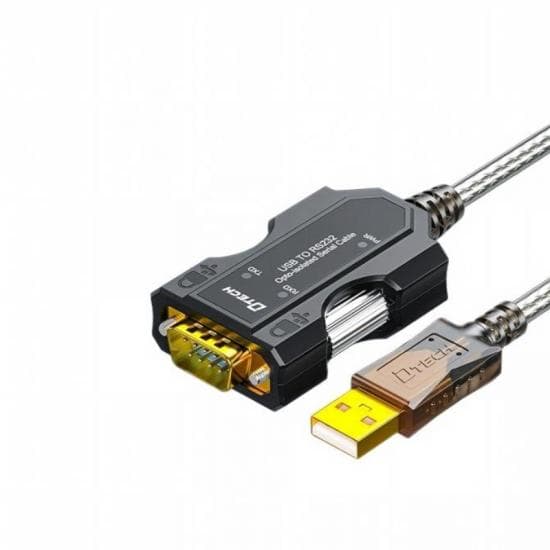
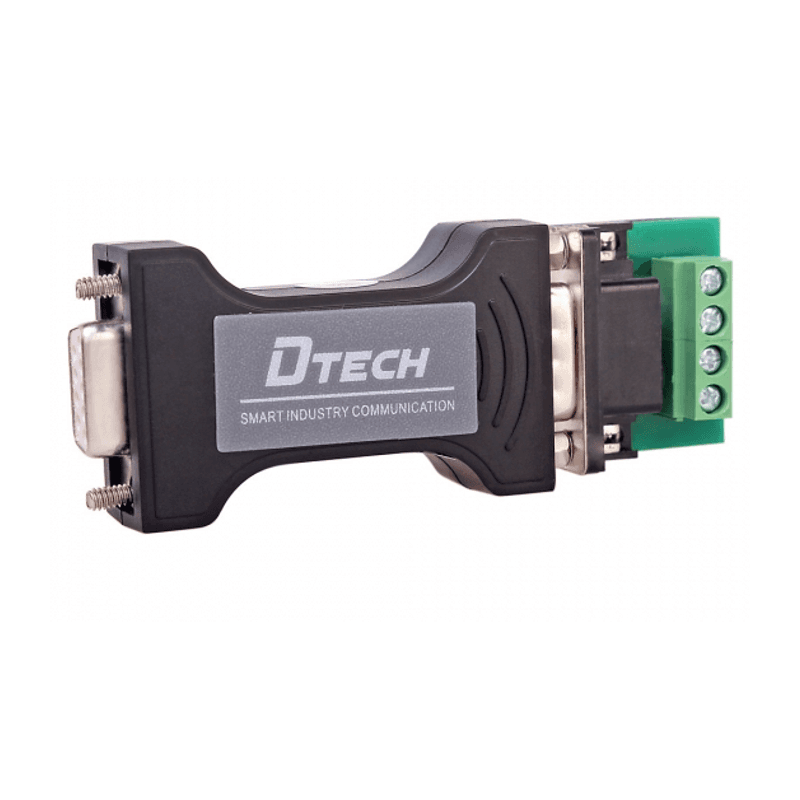
Verified answers for product selection and project planning.
Choose DT-5119 for 0.5 m, DT-5019 for 1.2 m or DT-5219 for 2 m. These lengths are listed in DTECH's official USB converter cable catalog.
They are published here as one converter-cable family because the verified difference is cable length. Use the model number that matches the required length in your inquiry.
Yes. The verified product page and catalog identify the family as USB to RS422/RS485 converter cables. Confirm the field device wiring mode before installation.
The legacy product source states that no external power supply is needed. The cable is described as plug and play, but the driver and operating-system requirements should still be checked.
The official DTECH download center groups DT-5019, DT-5219 and DT-5119 under the same USB-to-RS422/RS485 driver package. Verify the target computer's operating system before deployment.
Share your device interfaces, network environment and project requirements with the DTECH industrial communication team.