Legacy Device Integration
Installed RS232, RS485 and RS422 devices cannot connect directly to modern IP networks.
Connect installed sensors, meters and controllers to edge networks and centralized industrial IoT applications.
Modernize data collection with practical interface conversion, wireless links and industrial Ethernet aggregation.
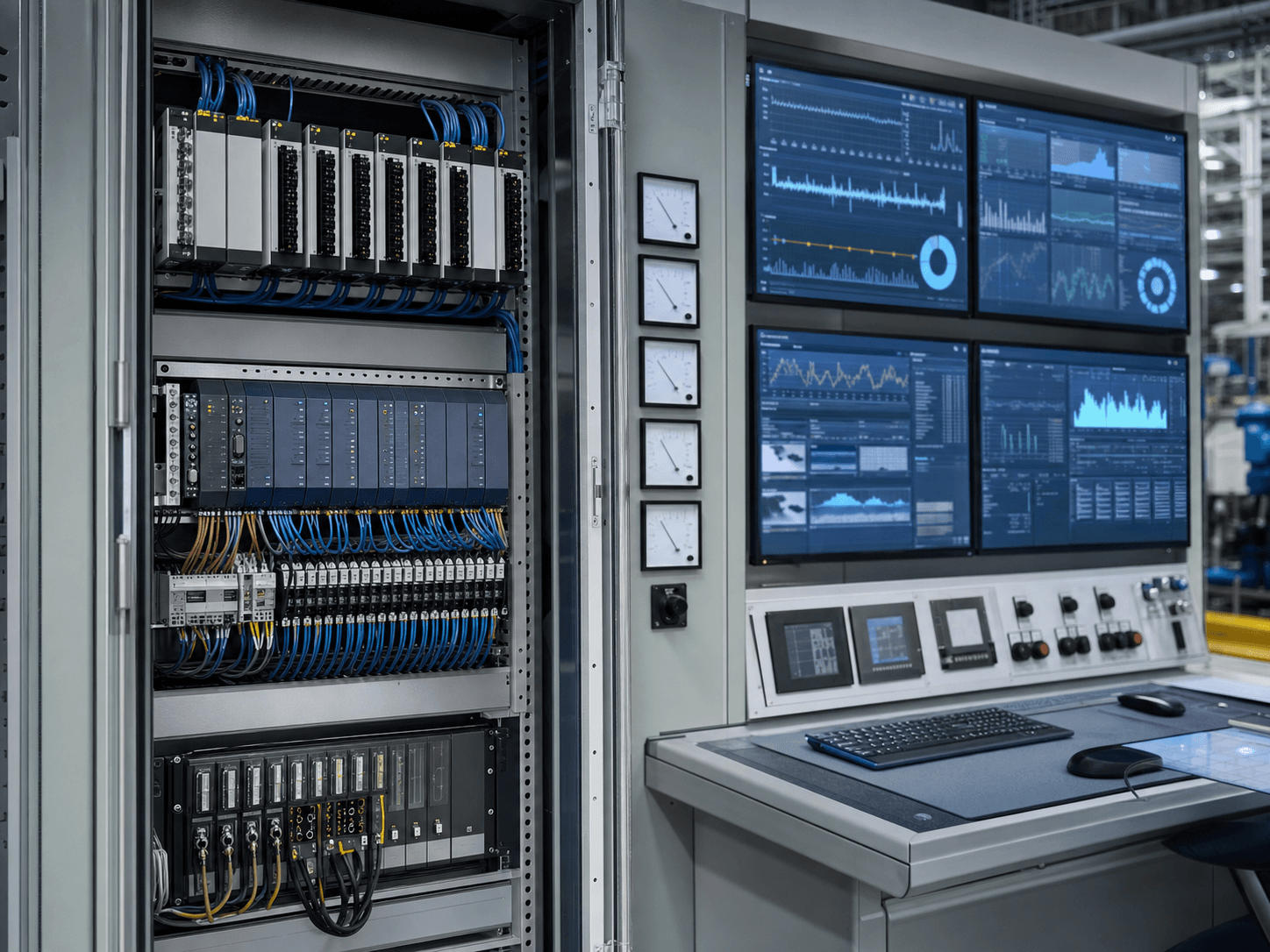
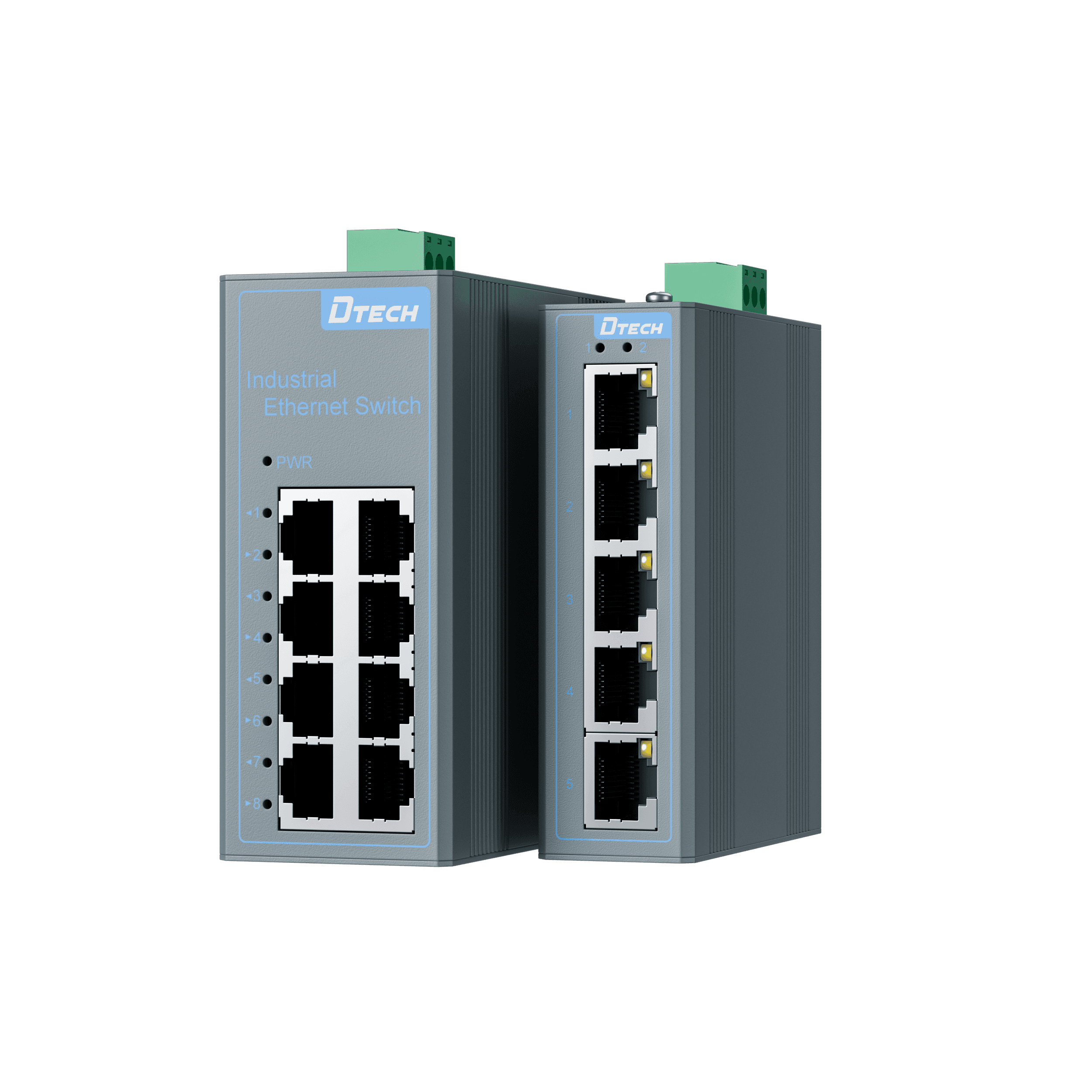
Installed RS232, RS485 and RS422 devices cannot connect directly to modern IP networks.
Long cable routes and distributed equipment increase signal and installation risk.
Different interfaces, branches and protocols make expansion and troubleshooting slower.
Electrical noise and ground potential differences can interrupt critical field data.
Use the interface and network constraint to define each connection layer before selecting a model.
Legacy field endpoints
Convert · Connect · Protect
Ethernet · Wireless
Data · Alerts · Analytics
Only products with confirmed data and active detail pages are presented.
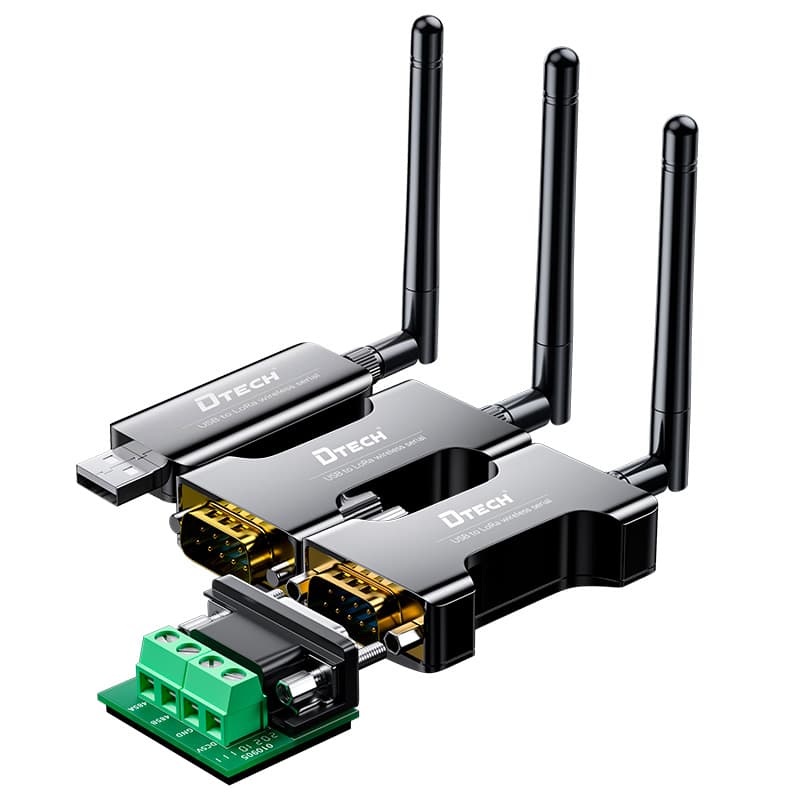
Extends serial communication wirelessly across dispersed or difficult-to-wire sites.
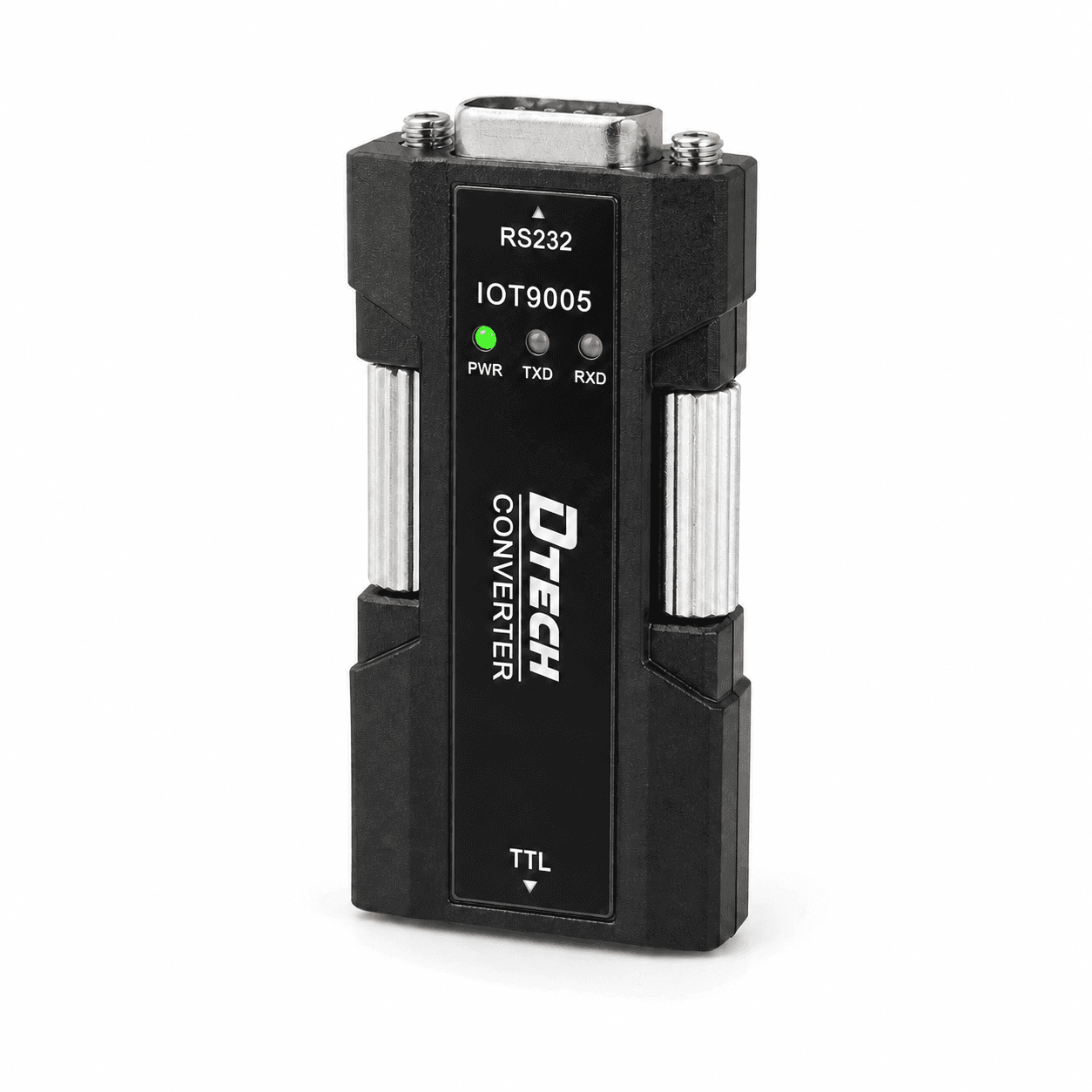
Converts and isolates RS232 signals for embedded and field equipment integration.
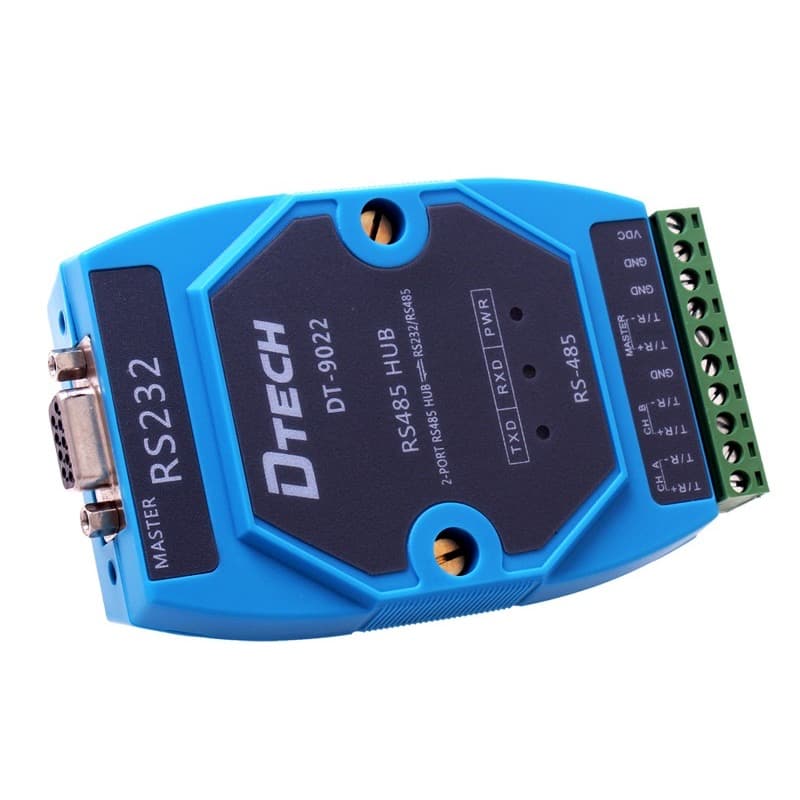
Segments and extends RS422/RS485 branches with industrial protection.
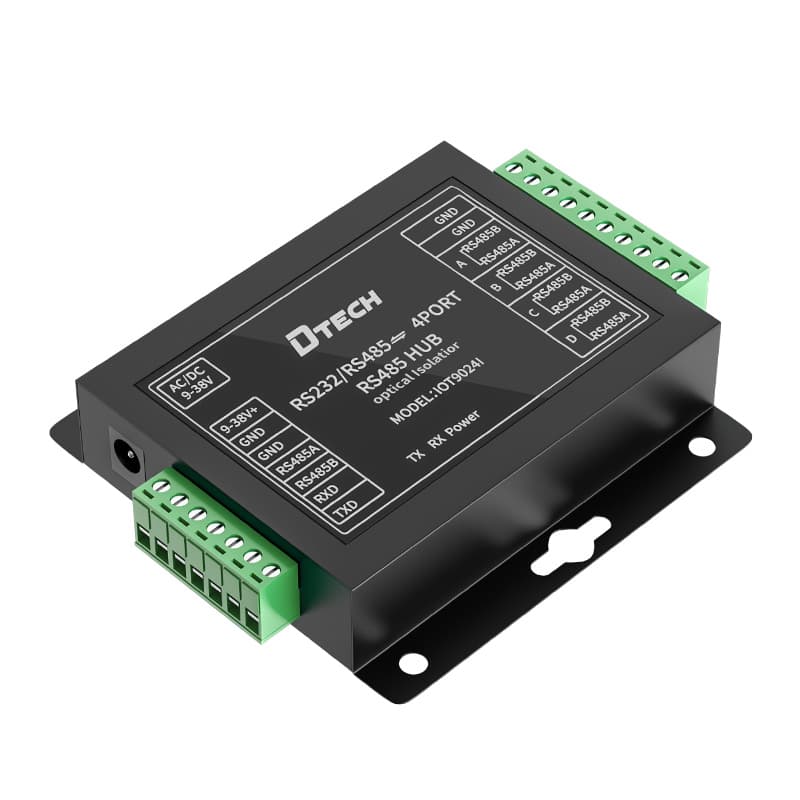
Isolates and distributes multi-branch RS485 networks.
Start with the operating environment, installed interfaces and required communication path.
Collect serial data from distributed field points.
Discuss This Application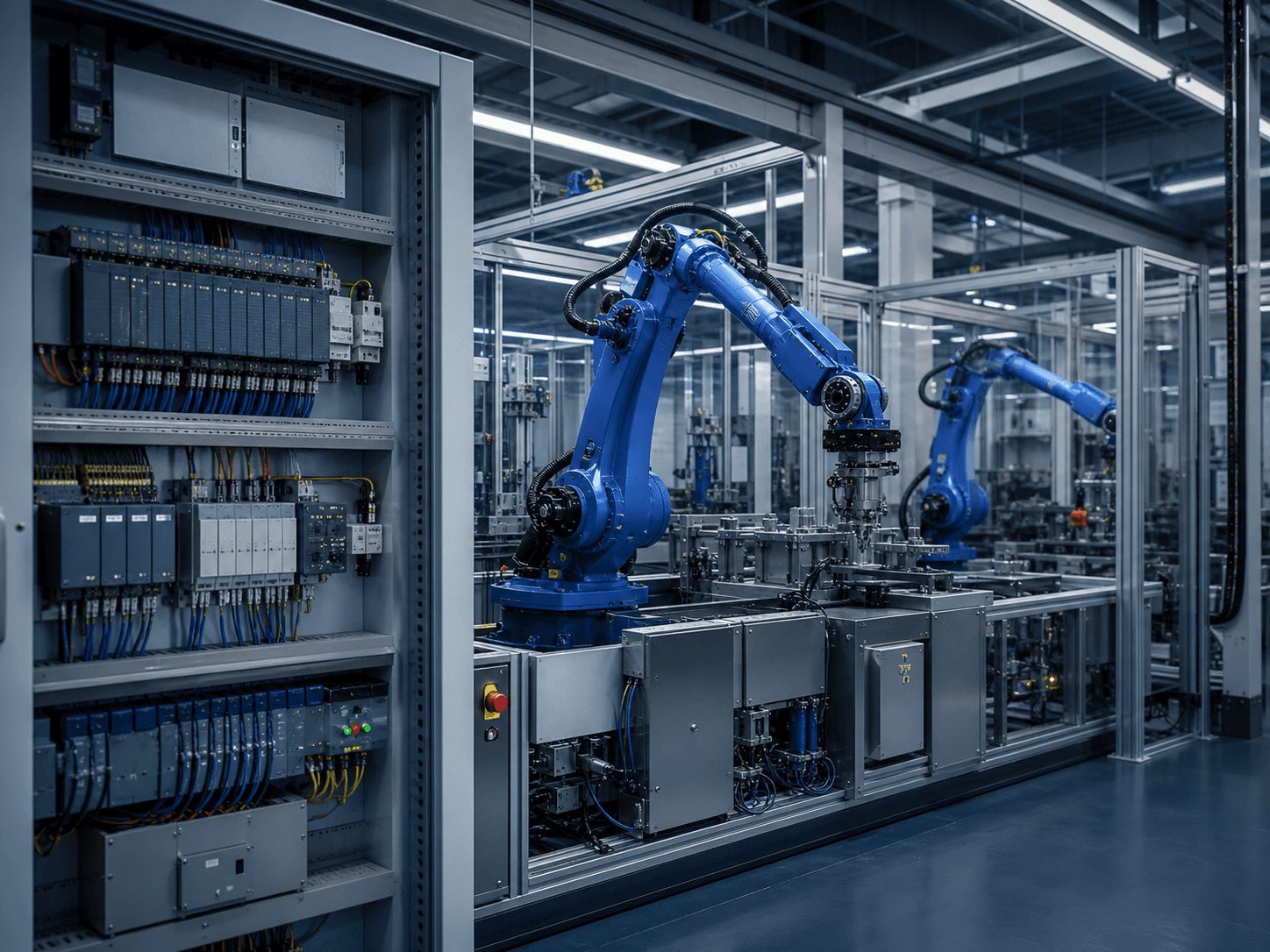
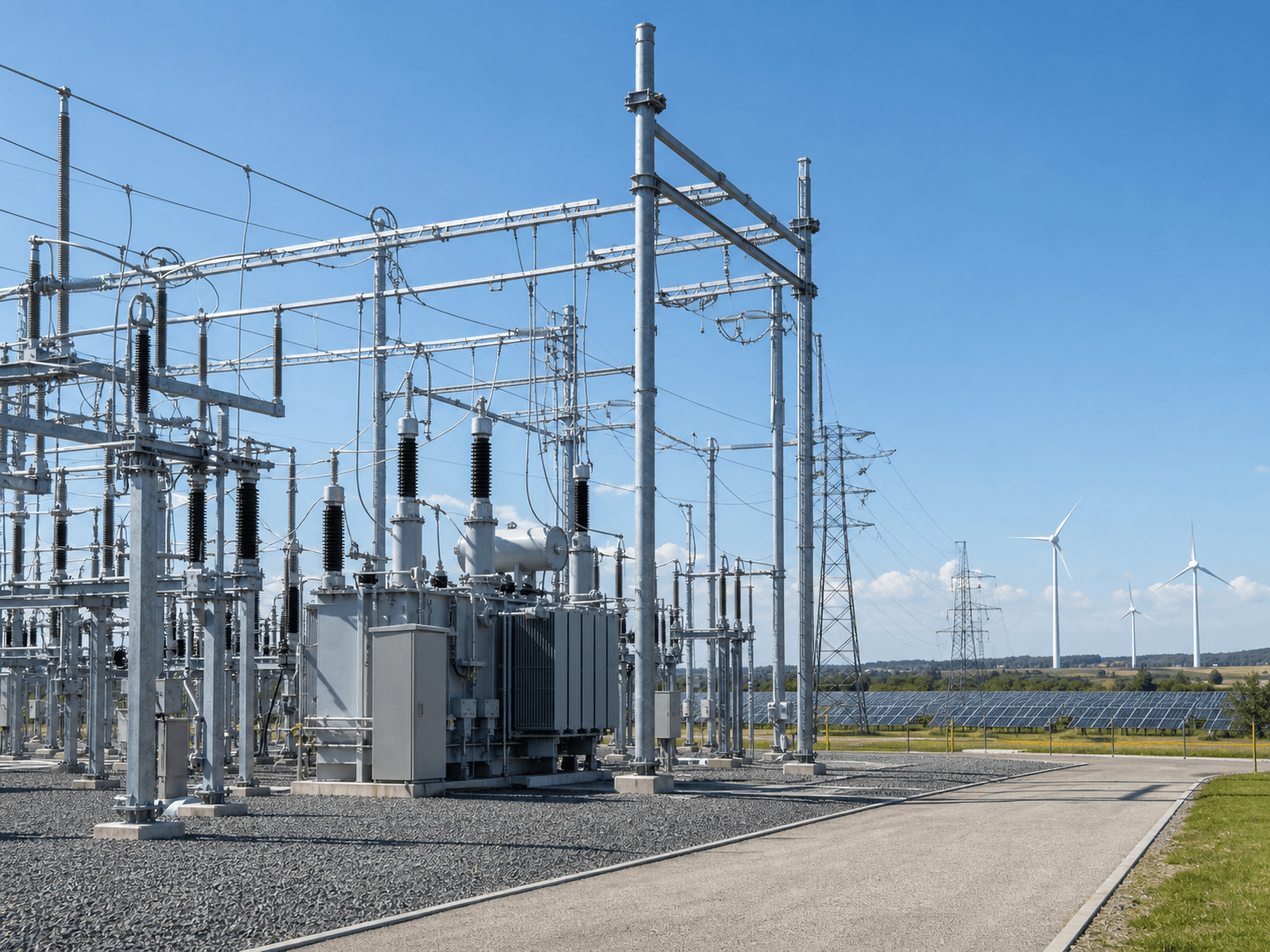
Connect meters and field instruments to cloud-ready networks.
Discuss This ApplicationTurn interface choices into measurable project outcomes and a clearer delivery plan.
Connect existing field equipment to modern monitoring networks without replacing proven devices.
Create a clearer, protected data path across demanding industrial environments.
Select verified product roles around the interface, distance and installation constraints.
Add endpoints and network segments without redesigning the entire system.
Use repeatable architectures to accelerate product selection and commissioning.
Share project requirements with DTECH for model confirmation and connection guidance.
Share your interfaces, communication distance, network type and installation environment. DTECH will help confirm the product roles and next selection step.