Insufficient Edge Ports
Endpoints, uplink and maintenance access can consume more ports than the first device count suggests.
Aggregate compatible PLCs, HMIs and monitoring endpoints with a switch selected for the actual topology, traffic, cabinet power and environment.
Use a simple unmanaged edge only when the network design does not require switch-level VLAN configuration, remote telemetry or redundant-path control.

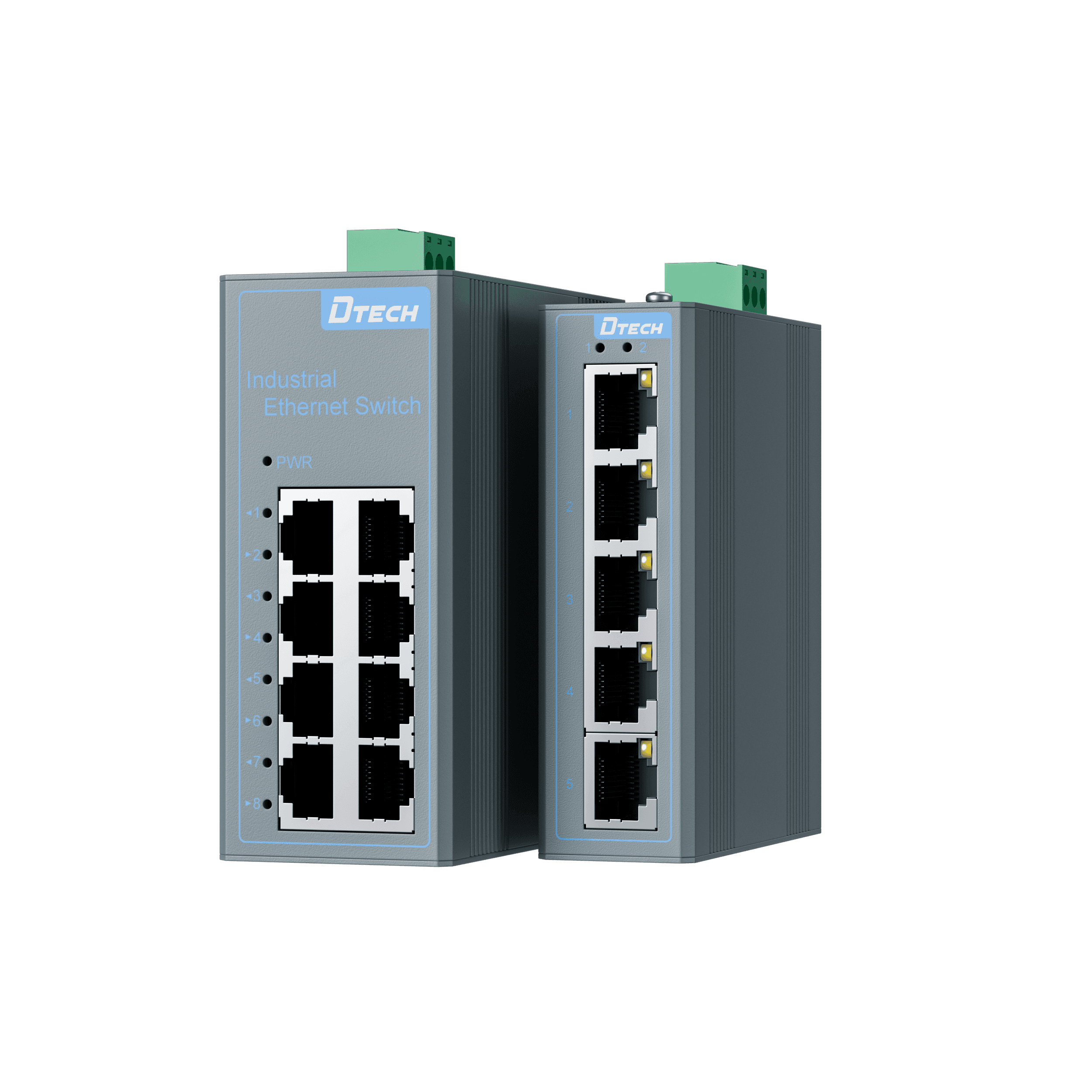
Endpoints, uplink and maintenance access can consume more ports than the first device count suggests.
Concurrent controller, monitoring and image traffic must fit the shared uplink and connected-device rates.
Supply voltage, temperature, ventilation and mechanical installation must match the exact model.
An unmanaged role is unsuitable when local VLANs, remote diagnostics or verified redundancy are required.
Use the interface and network constraint to define each connection layer before selecting a model.
PLC · HMI · Monitoring
SW1000 or SW2000
Documented loop-free path
Host · SCADA · Network owner
Only products with confirmed data and active detail pages are presented.
Provides verified 5-port or 8-port Fast Ethernet/Gigabit aggregation with dual DC 12–52V and -30°C to 70°C operation.
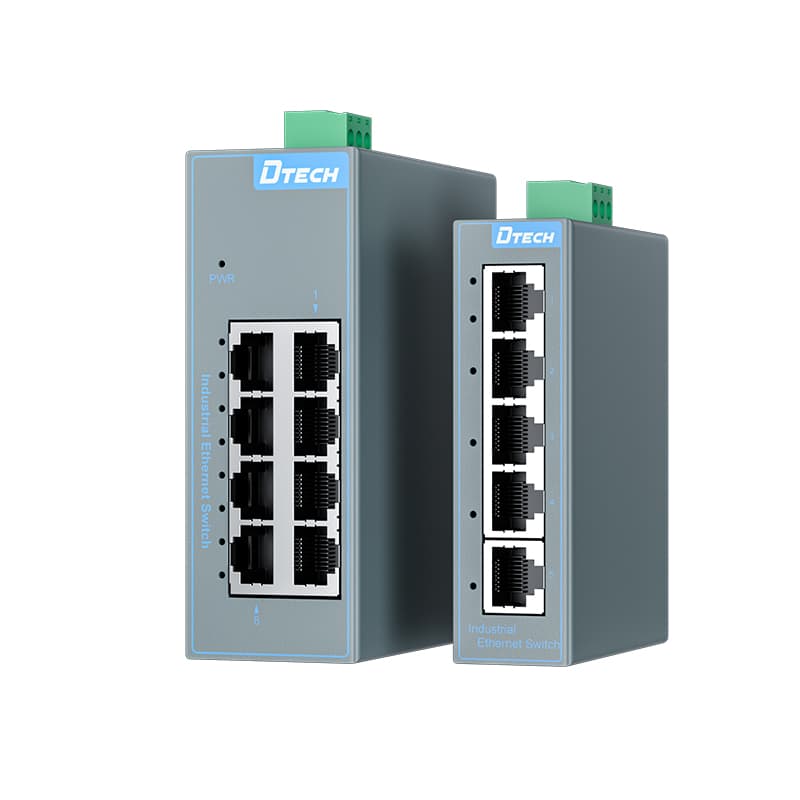
Provides verified 5-port or 8-port Fast Ethernet/Gigabit aggregation with model-specific DC input and -40°C to 85°C operation.
Start with the operating environment, installed interfaces and required communication path.
Join compatible controllers, HMIs and monitoring devices through one approved uplink.
Discuss This Application
Aggregate monitoring terminals after verifying power, enclosure and temperature conditions.
Discuss This Application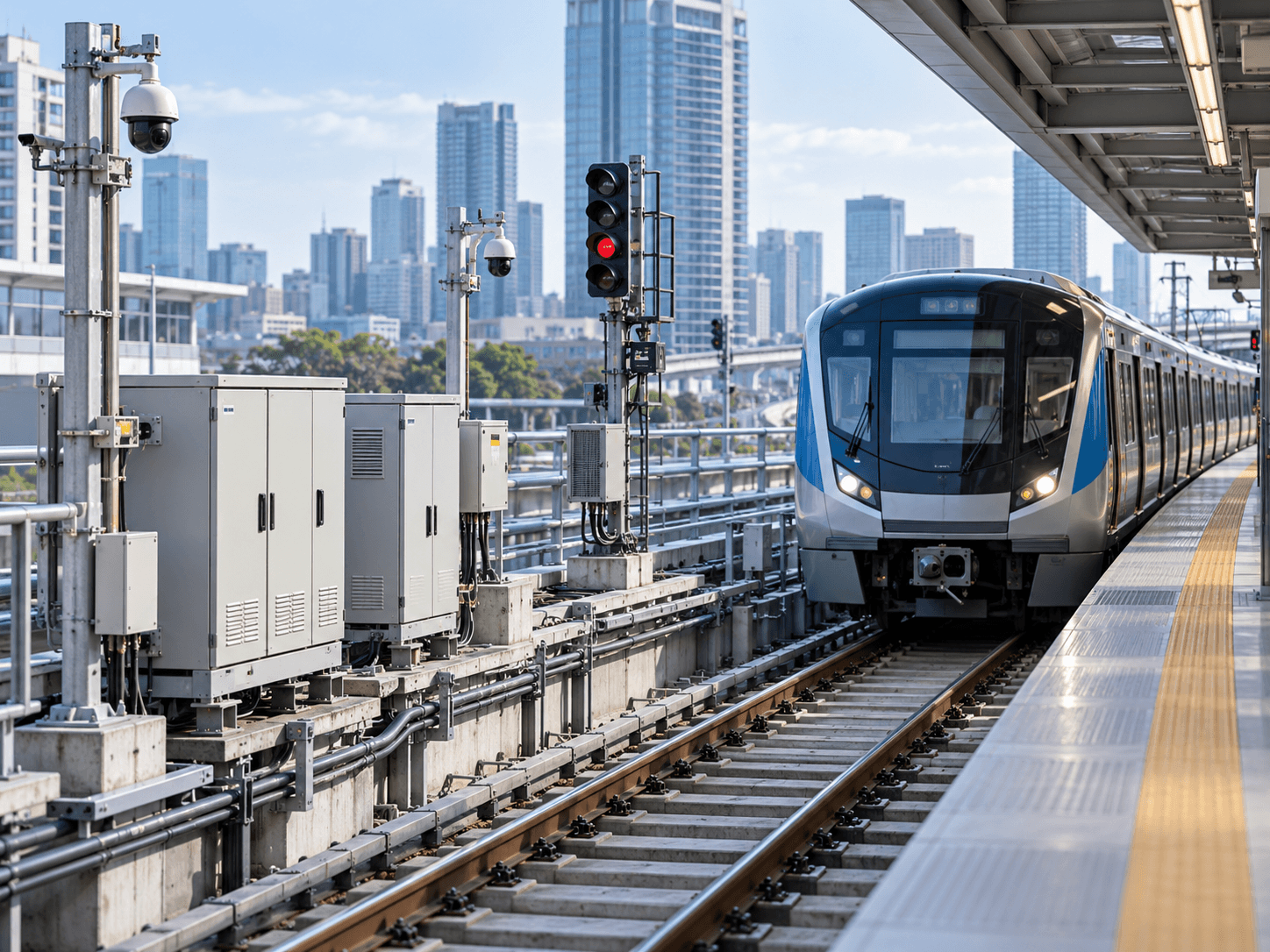
Provide local Ethernet connectivity where the documented unmanaged function fits the network design.
Discuss This ApplicationTurn interface choices into measurable project outcomes and a clearer delivery plan.
Count endpoints, uplink and service access before selecting a five-port or eight-port model.
Choose the verified FT or GT variant by endpoint rates and aggregate uplink demand.
Compare the exact operating range, power input and DIN-rail installation with cabinet conditions.
Use a separately documented managed role when VLANs, telemetry or automatic path recovery are required.
Check power, each link, device addressing and representative application traffic independently.
Share the cable map, device list, traffic and supply arrangement for model confirmation.
Check topology, ports, rate, temperature, power and management requirements before selecting SW1000 or SW2000.
Choose the right interface, network path and product role.
Review practical deployment guidance for industrial environments.
Explore serial communication and industrial networking insights.
Share your interfaces, communication distance, network type and installation environment. DTECH will help confirm the product roles and next selection step.